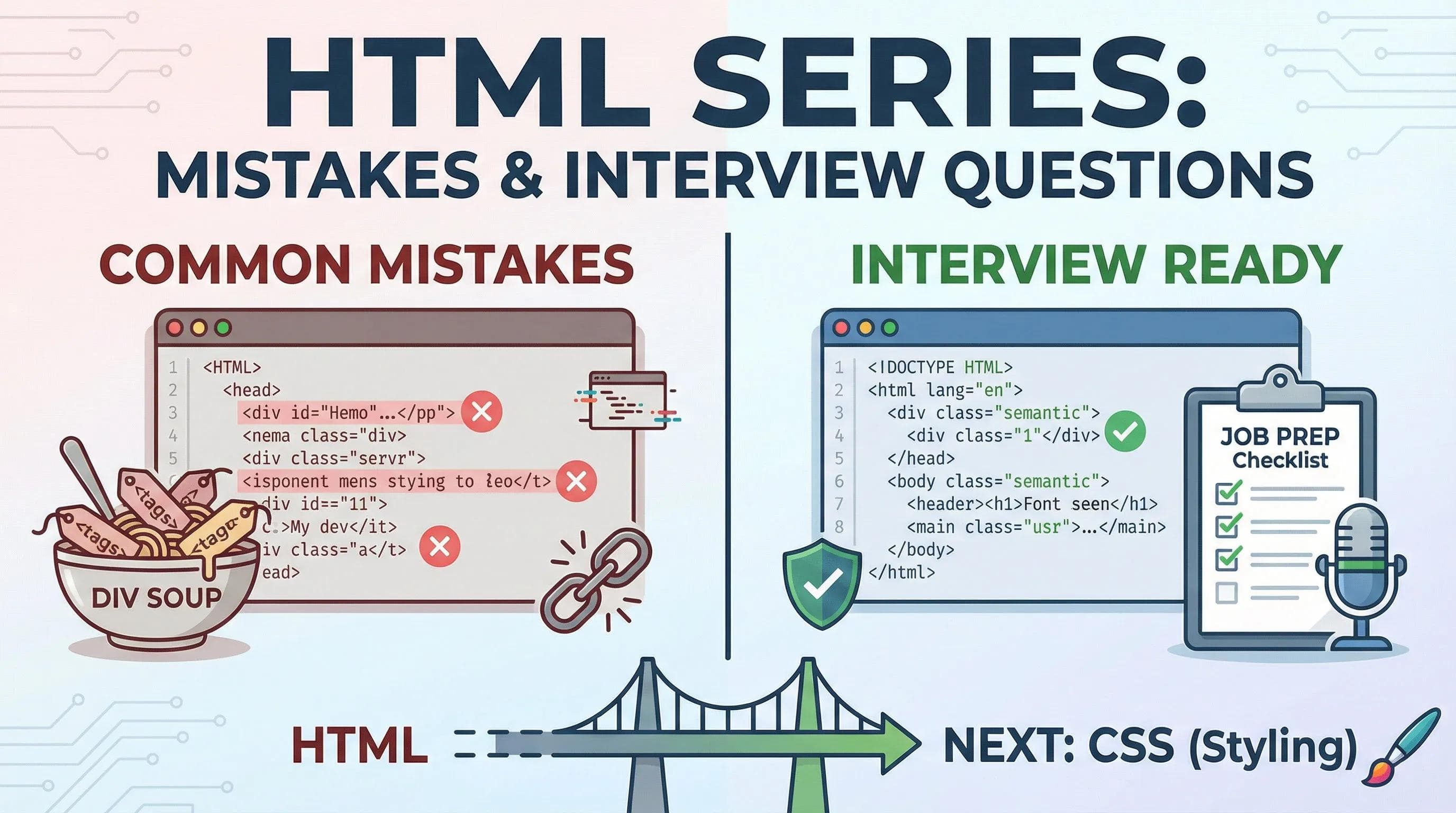
Mistakes are Proof that You are Trying
We have reached the end of the HTML Series. You know the tags. You know the structure. You know the semantics. But there is a massive difference between "Making it work" and "Doing it right"
❝
"Any fool can write code that a computer can understand. Good programmers write code that humans can understand."
~ Martin Fowler
When I started coding, I made terrible mistakes. I used
<div> for everything. I never used alt text. My code worked in the browser, but it was "Fragile."Today, we will fix those habits. We will analyze the 7 Deadly Sins of HTML and then prepare you for the Top 10 Interview Questions you will face as a fresher.

1. Common HTML Mistakes (Reality Check)
These are the mistakes that scream "I am a beginner!" to a recruiter. Let's fix them forever.
Mistake 1: The Missing Doctype
If you don't tell the browser what language you are speaking, it gets confused and switches to "Quirks Mode" (Old layout mode).
- The Mistake: Starting the file directly with
<html>. - The Fix: Always start with the Declaration.
html
<!DOCTYPE html>
<html lang="en">Mistake 2: The "Div Soup" (Ignoring Semantics)
Using
<div> for headers, footers, and sidebars makes your code meaningless to Google. A blind user's screen reader won't know where the navigation is.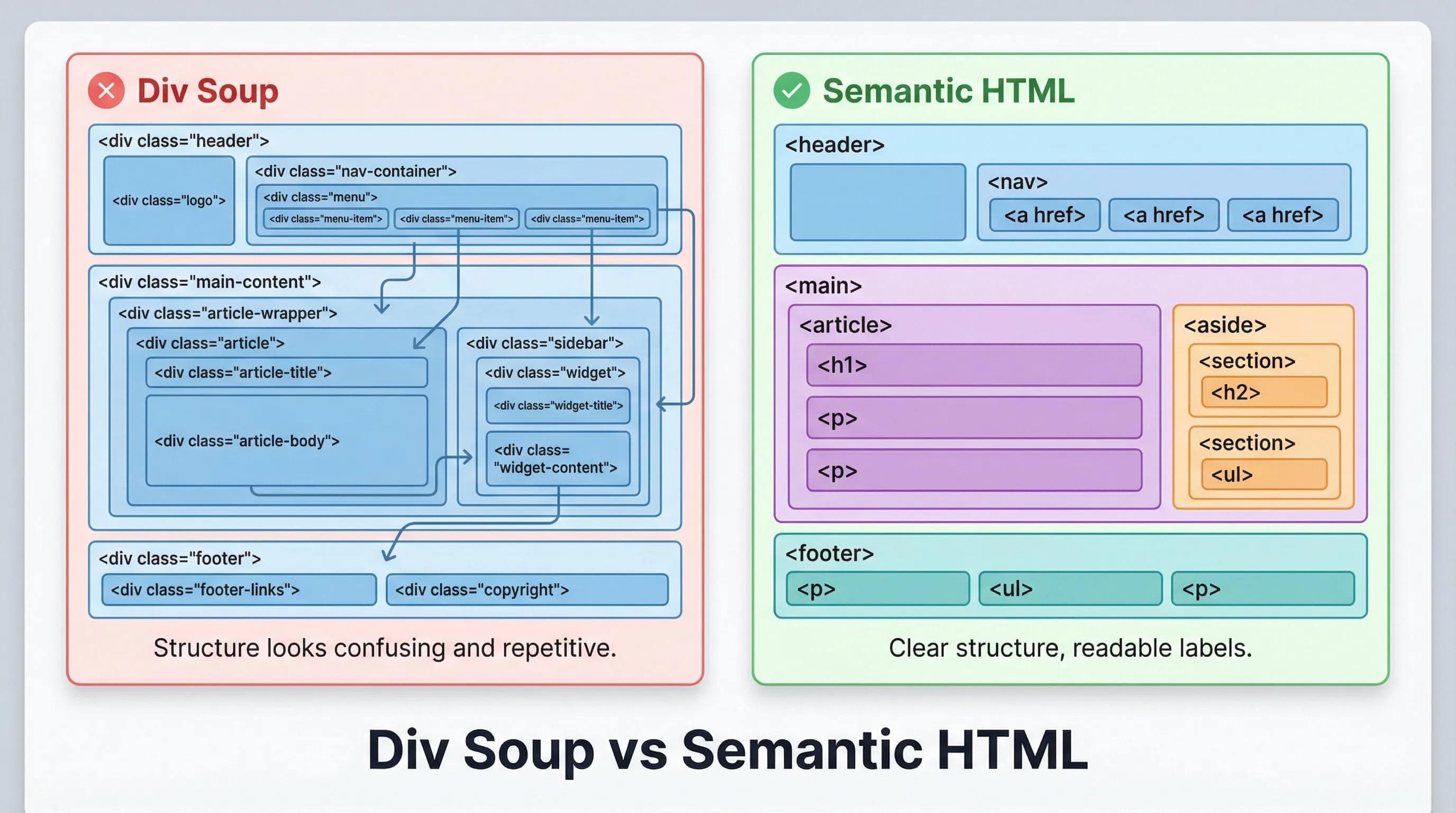
Mistake 3: The "Style" Addiction (Inline Styles)
This is a maintenance nightmare. Imagine you have 50 pages. If you used inline styles (
style="color:red"), and your boss says "Change the color to Blue," you have to edit 50 files manually.- Bad:
<h1 style="color: red; font-size: 20px;">Title</h1> - Good:
<h1 class="main-title">Title</h1>(We will style this in CSS).
Mistake 4: The "Paragraph Trap" (Invalid Nesting)
Beginners often put Block elements inside Inline elements improperly.
- Rule: You cannot put a
<div>inside a<p>. The browser will actually break your code into pieces to fix it.
🛑 STOP!
- Valid:
<a href="#"> <div> Card </div> </a>(HTML5 allows this). - Invalid:
<p> <div> Text </div> </p>(Browser will force-close the paragraph).
Note: HTML5 allows block elements inside<a>, *but this exception does NOT apply to<p>tags.
Mistake 5: The Mystery Image (Missing Alt Text)
If the image fails to load (slow internet), does the user know what was there? Does Google know what the image is?
- Bad:
<img src="cat.jpg"> - Good:
<img src="cat.jpg" alt="A cute white cat sleeping on a sofa">
Mistake 6: The Silent Form (No Labels)
An input without a label is useless to a blind user. If you click the text "Name", the cursor should automatically jump to the box. This only happens with
<label>.- Bad:
html
Name: <input type="text">- Good:
html
<label for="username">Name:</label>
<input type="text" id="username">
Mistake 7: The AI Zombie (Blind Copy-Paste)
AI tools like ChatGPT/Gemini are powerful, but they can be lazy. They might give you old tags like
<center> or <font>. The Rule:
If you can’t explain a line of code in your own words, you are not allowed to paste it.
2. Top 10 HTML Interview Questions (Freshers 2026)
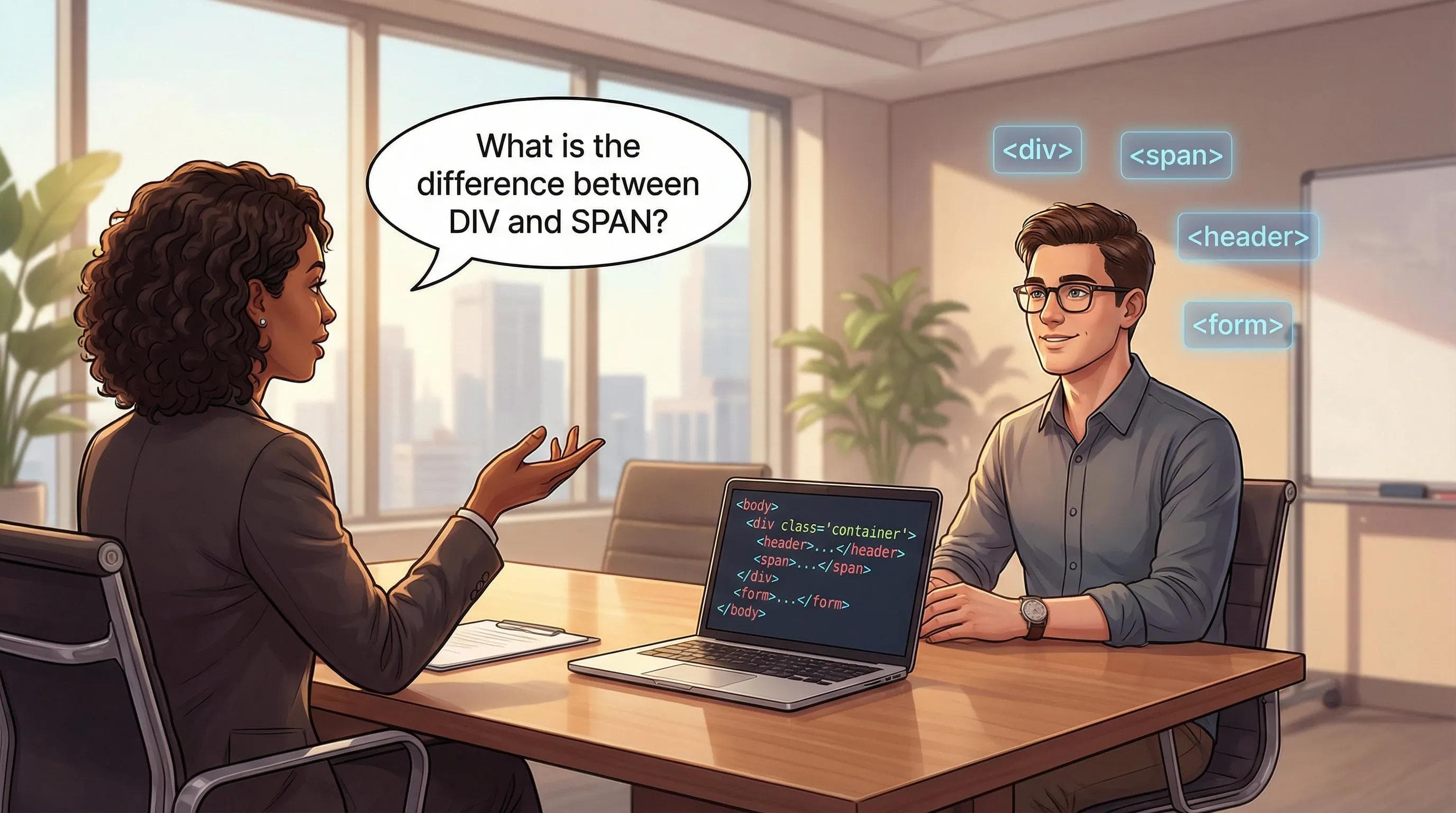
If you apply for a "Junior Web Developer" role, you will be asked these.
Q1. What is the difference between HTML and HTML5?
Answer: HTML is the standard language. HTML5 is the latest version which introduced Semantic Tags (
<header>, <footer>), Multimedia support (<audio>, <video>), and removed the need for third-party plugins like Flash.Q2. What is the difference between
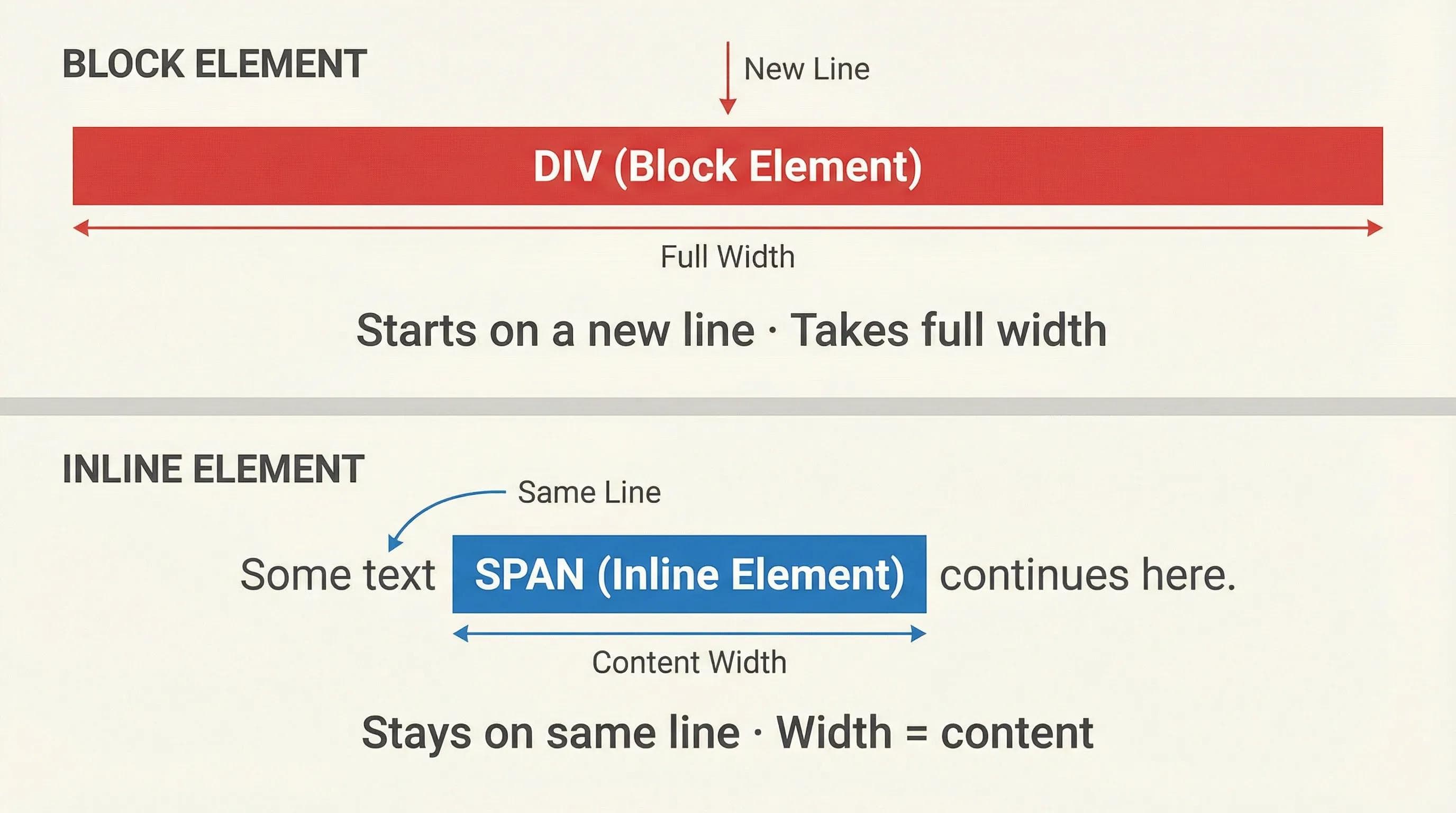
<div> and <span>?Answer:
<div>is a Block element (Starts on a new line, takes full width).<span>is an Inline element (Takes only necessary space, stays on the same line).
Q3. Why is the
<meta name="viewport"> tag important?Answer: It makes the website Responsive. Without it, mobile browsers will zoom out and show a desktop version of the site, making text unreadable on phones.
Q4. What are "Void Tags"?
Answer: Tags that do not require a closing tag because they don't hold content. Examples:
<br>, <img>, <hr>, <input>.Q5. When should you use
<section> vs <article>?Answer: Use
<article> for content that makes sense on its own (like a blog post or news card). Use <section> to group related content (like an "About Us" section).Rapid Fire Round:
No.
target="_blank".
It shows a tooltip when you hover over an element.
No, IDs must be unique.
<!-- This is a comment -->
3. What's Next?
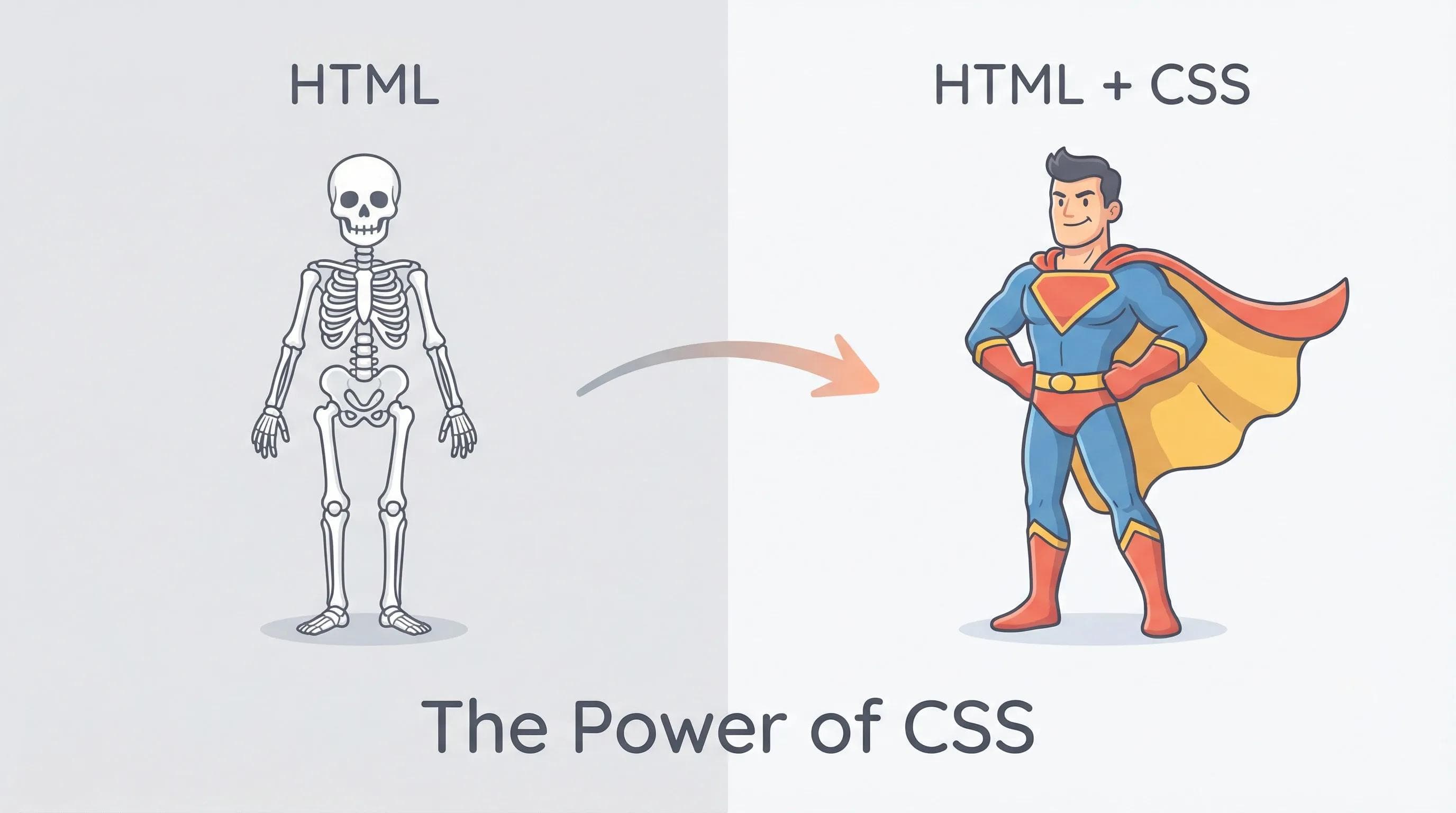
Look at your website right now. It has a Header. It has a Form. It has Content. It is "Structurally Perfect."
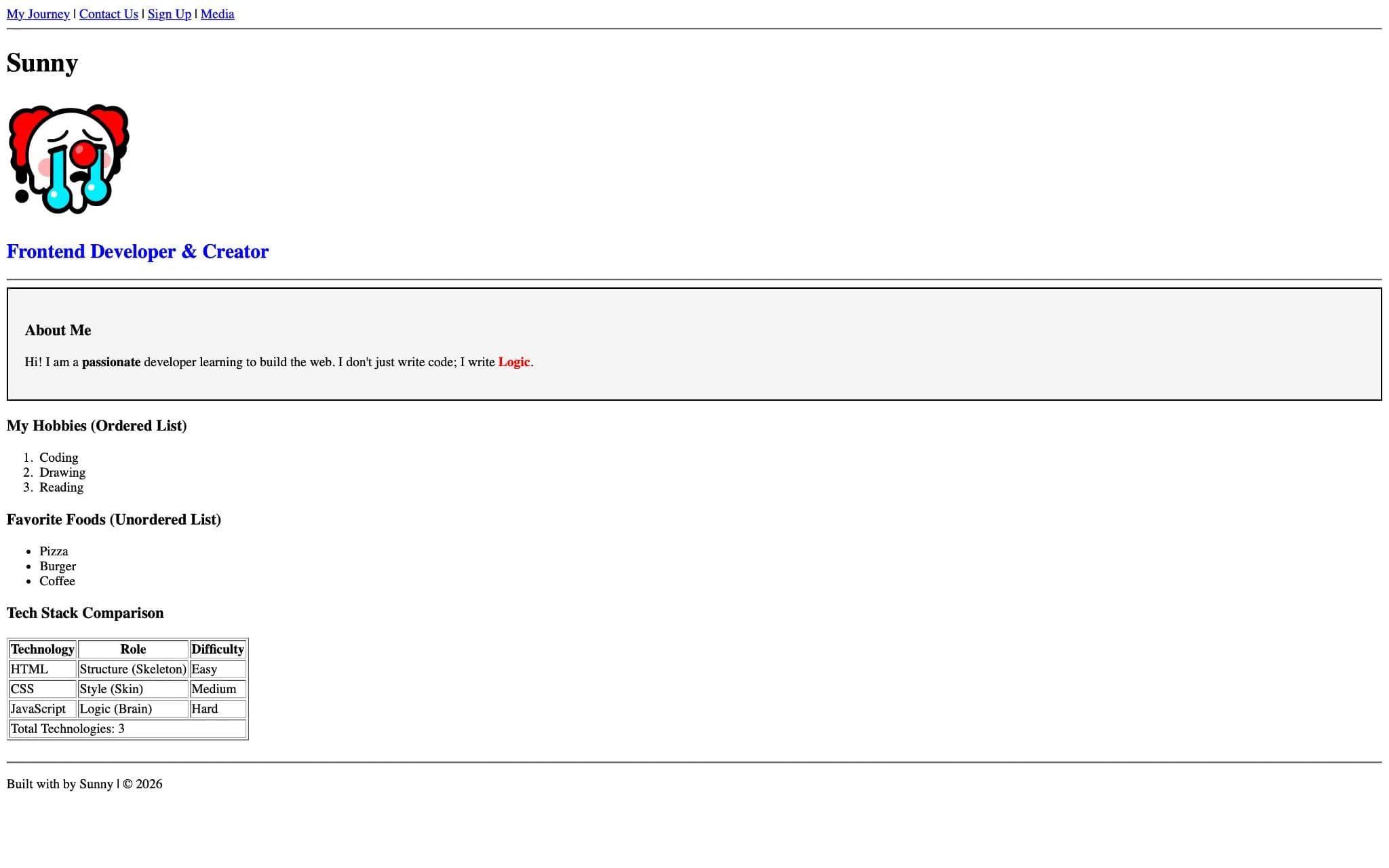
But let's be honest... It is Ugly.
- It is Black text on a White background.
- Everything is stuck to the left side.
- It looks like a broken Word document from the 1990s.
Currently, your website looks something like this:
You have built the Skeleton. Now, it is time to add the Skin, Clothes, and Makeup. It is time to learn CSS (Cascading Style Sheets).
In the Next Series (Phase 2), we will learn:
- Colors & Gradients: Saying goodbye to black and white.
- Layouts (Flexbox & Grid): Moving elements anywhere on the screen.
- Animations: Making buttons bounce and text fade in.
We will learn everything from absolute scratch - just like we did with HTML. And once you master CSS, your website will transform from this "Boring" look to like this or more amazing.
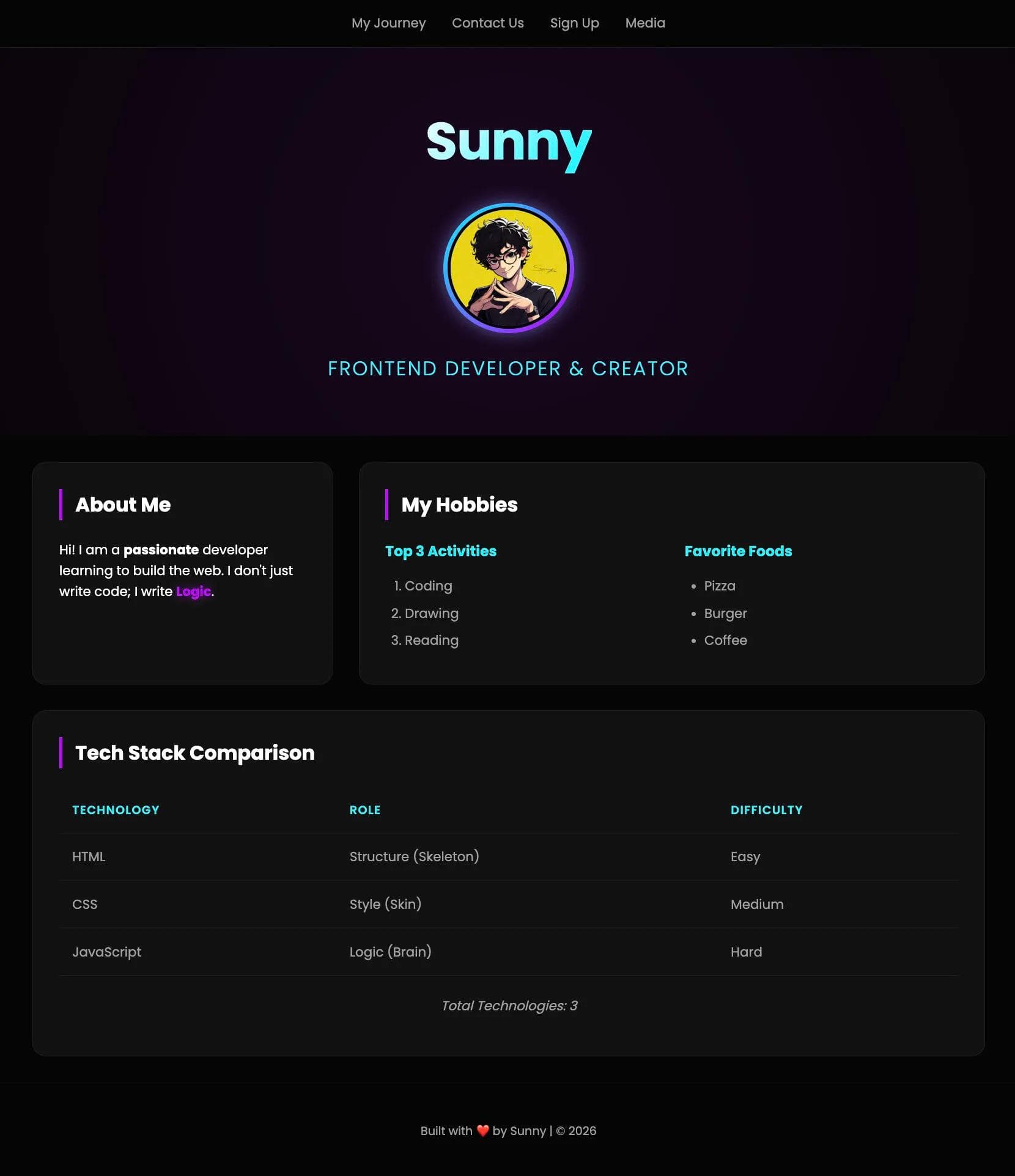
It will depend on your creativity how amazing you can make the look of your site after learning ;)
Get ready. The real magic begins now.
Important Announcement!
I know reading blogs is great, but sometimes you just want to watch and learn.
Upcoming YouTube Masterclass: I am currently working on a "Complete HTML Course in One Video" for YouTube. It will cover everything we discussed + even more amazing practical examples and projects!
- Once it's uploaded, I will provide the Direct Link Here. — Stay tuned and keep checking this page!
Join the Community: Don't learn alone! Join me on Instagram to stay updated. and i will also upload there tips, tricks and some crazy projects for your practice!
- Link to my Profile!
- Ask Questions: DM me or comment your doubts related to any topic there.
- FAQ Feature: I will pick the best and most common doubt questions and list them in the FAQ section of that particular blog topic!
GOLDEN RULE:
NEVER TRUST CODE GIVEN BY ANY AI — ALWAYS VERIFY IT YOURSELF.
End of Phase 1 - HTML Series
Congratulations! You have officially completed the HTML Course.
You are no longer a beginner. You are a Developer with a strong foundation.
Now, let's start Phase 2.
Go to this page - Blogs and browse the Categories or click the link below to jump into the colorful world of Styling.
Start Phase 2: The CSS Series (Link will be available soon!)
HTML Series: Your First Step in Modern Web Development (2026)
Step 22 of 22