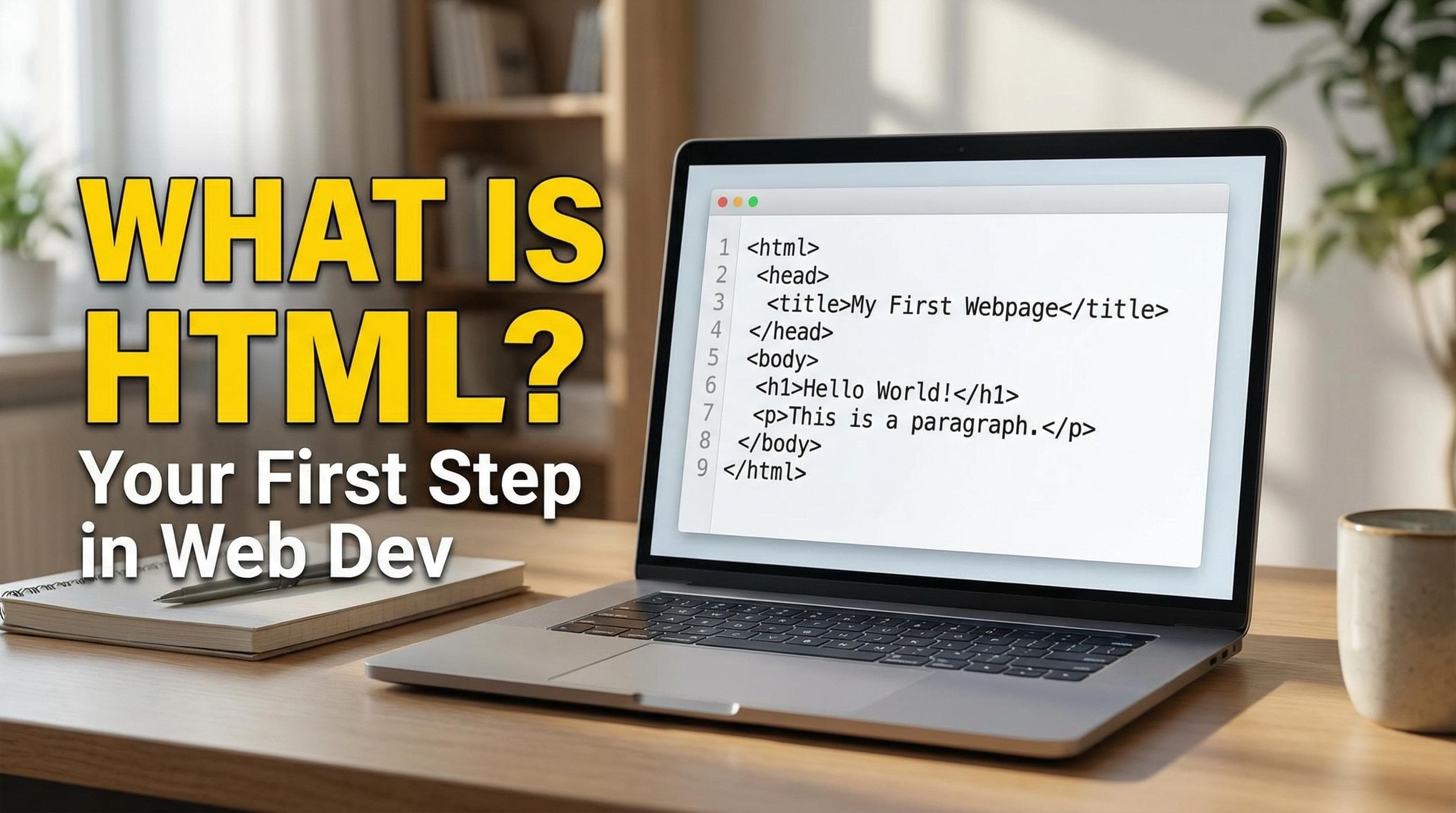
From a Consumer to a Creator
From a Consumer to a Creator Daily, the web influences our daily lives directly or indirectly. From scrolling through Instagram to searching for something on Google, or reading this article when you do either of those, you are depending on a vast web-based system that feels like magic; just click on something, and voila! you now have access to whatever you were looking for.
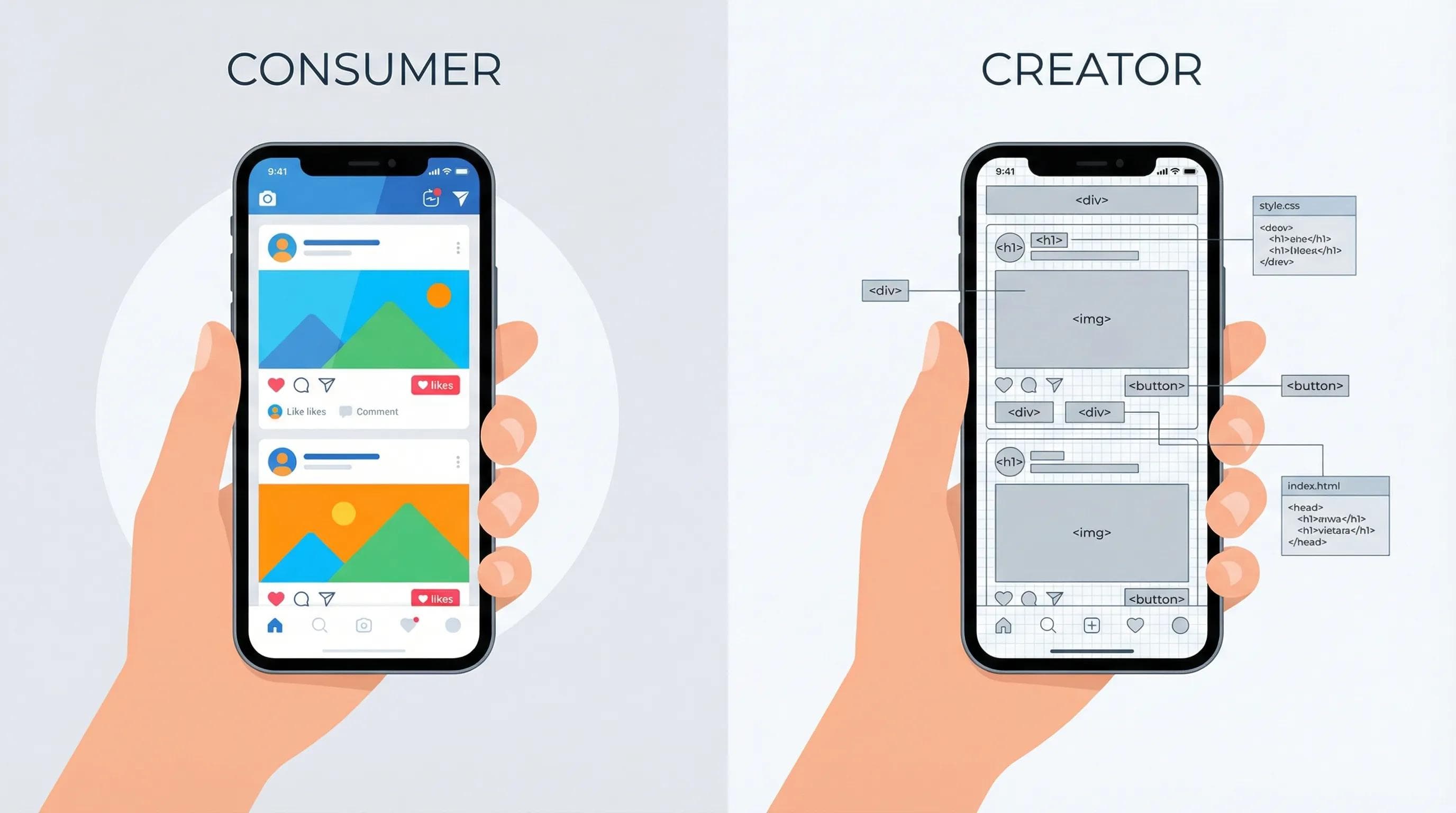
-- However, this isn't magic; it is simply logic.
So far in your life, you have most likely occupied the role of the "Consumer," meaning you have looked at many websites and apps, used them, and accepted whatever was thrown at you without really understanding anything about how it all works. So, The main motive of this guide is to make you from a "Consumer" to a "Creator." The first step to making that transition is to remove the magic and understand the true building blocks of the entire web - the fundamental programming language that powers everything on the internet - HTML.
How the web actually works?
So, before we dive into
syntax or code, it is crucial to understand the journey that a website takes to reach your screen. You might be thinking the internet is some invisible "cloud," but in reality, it is much more physical and logical than that. The "Real" Technical Explanation - At its core, the web is just a conversation between two computers.- The Client (You): This is your computer or phone using a browser (like Chrome, Safari or any other browser). When you type
google.comin the search bar and click on search/hit Enter, you aren't "going" to a place; you are sending a specific request to The Server. - The Server (The Source): This is a powerful computer present in a data center (maybe in Mumbai, Singapore or any other place in this world) that is always on and connected to the internet. It stores the files, images, and code that is used to make the websites.
Did you know?
When you hit "Enter" on Google, your request travels through underwater sea cables to reach a server and comes back in milliseconds!
-- So, when your browser sends a request to the Server via the internet, the Server hears the request, finds the files you asked for, and sends a response back to your computer. If this sounded boring or confusing, let's understand it with a simple example ;)
The easiest way to visualize this whole process of the backbone of the internet is to picture a busy restaurant.
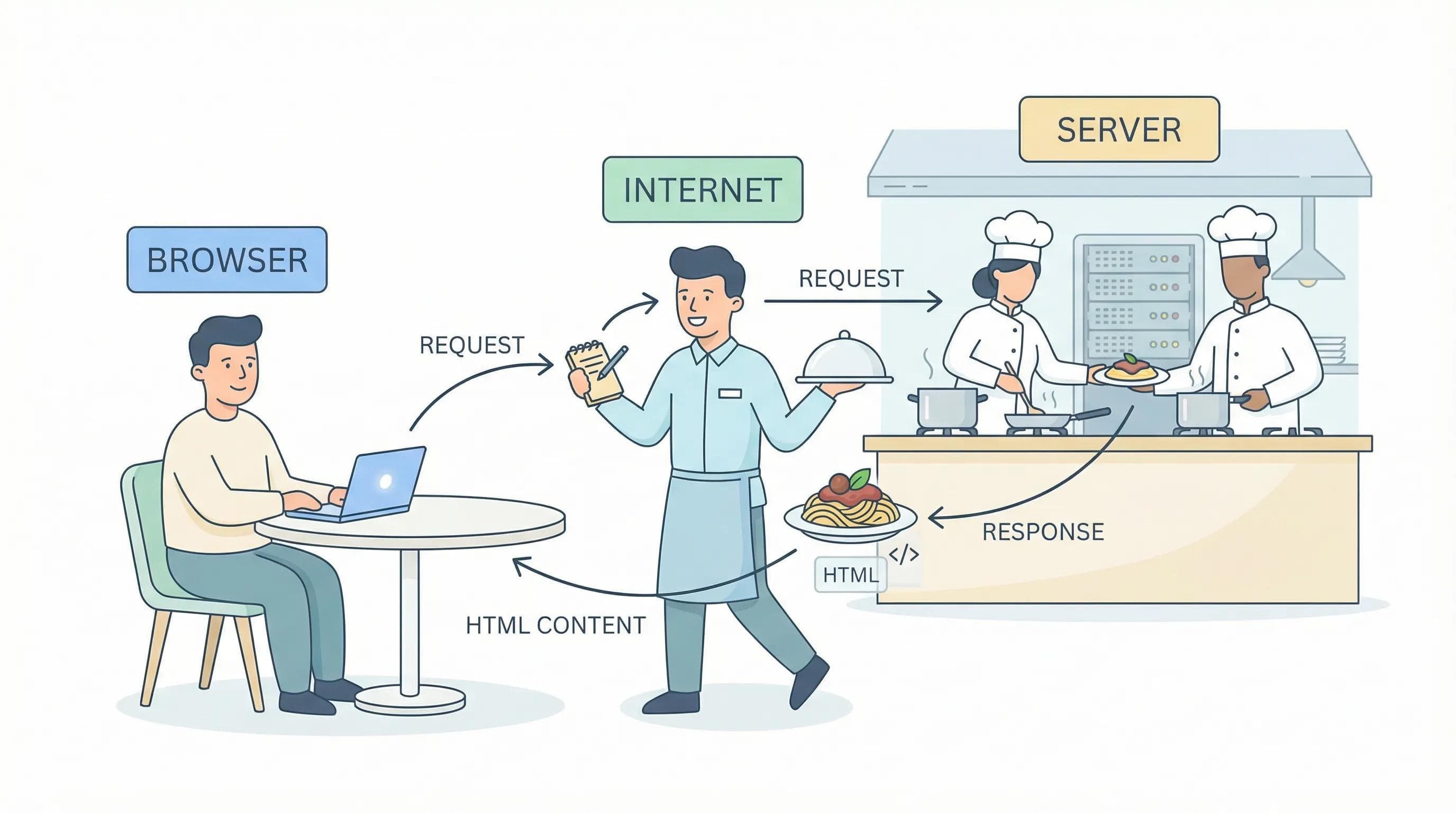
- You are the Customer (The Client): You sit down at a table (computer) and decide you are hungry for
google.com. However, you cannot just walk into the kitchen (server) and grab it yourself. You need a waiter (internet) which will work as an intermediary. - The Internet is the Waiter: You give your order (your request) to the waiter and it takes that message, runs through the dining hall (the network cables), and delivers it to the kitchen to prepare your order.
- The Server is the Kitchen: This is where the magic happens. The kitchen is a restricted area storing all the ingredients (data, images, videos, code and much more). The chefs (backend code) receive your order and prepare the dish perfectly.
- The Dish is HTML: The kitchen doesn't send you raw ingredients; they send a prepared dish. Similarly, the Server sends a prepared file, the HTML document, back to your table (Client's computer).
- The Key Takeaway: Your browser is essentially a translator. The Server sent back a file full of code (The Dish), and your browser "eats" that code to display the beautiful, colorful interface that you see on your screen on a daily basis. As a Creator, your job is to write the recipe (HTML) that the browser reads.
-- I hope everything is clear up till now, because now we are going to start our topic WHAT IS HTML??
Defining HTML: It’s Not Programming
This is where a lot of beginners feel anxious, you know? They hear
code and immediately start thinking of it as complex algorithms or advanced mathematical problems. Let's clear up a major misconception about HTML that it isn't a programming language, It stands for HyperText Markup Language. The key word here is Markup.Remember!
HTML is NOT a programming language. It is a Markup Language.
Programming Languages (like Python or C++) are about logic. They handle decisions like "If the user clicks this button, calculate the tax and update the database" whereas Markup Languages (like HTML) are about structure. They handle layout things like This text is a heading, This block is an image, This text is a paragraph and so on. Let's understand this with a simple example,
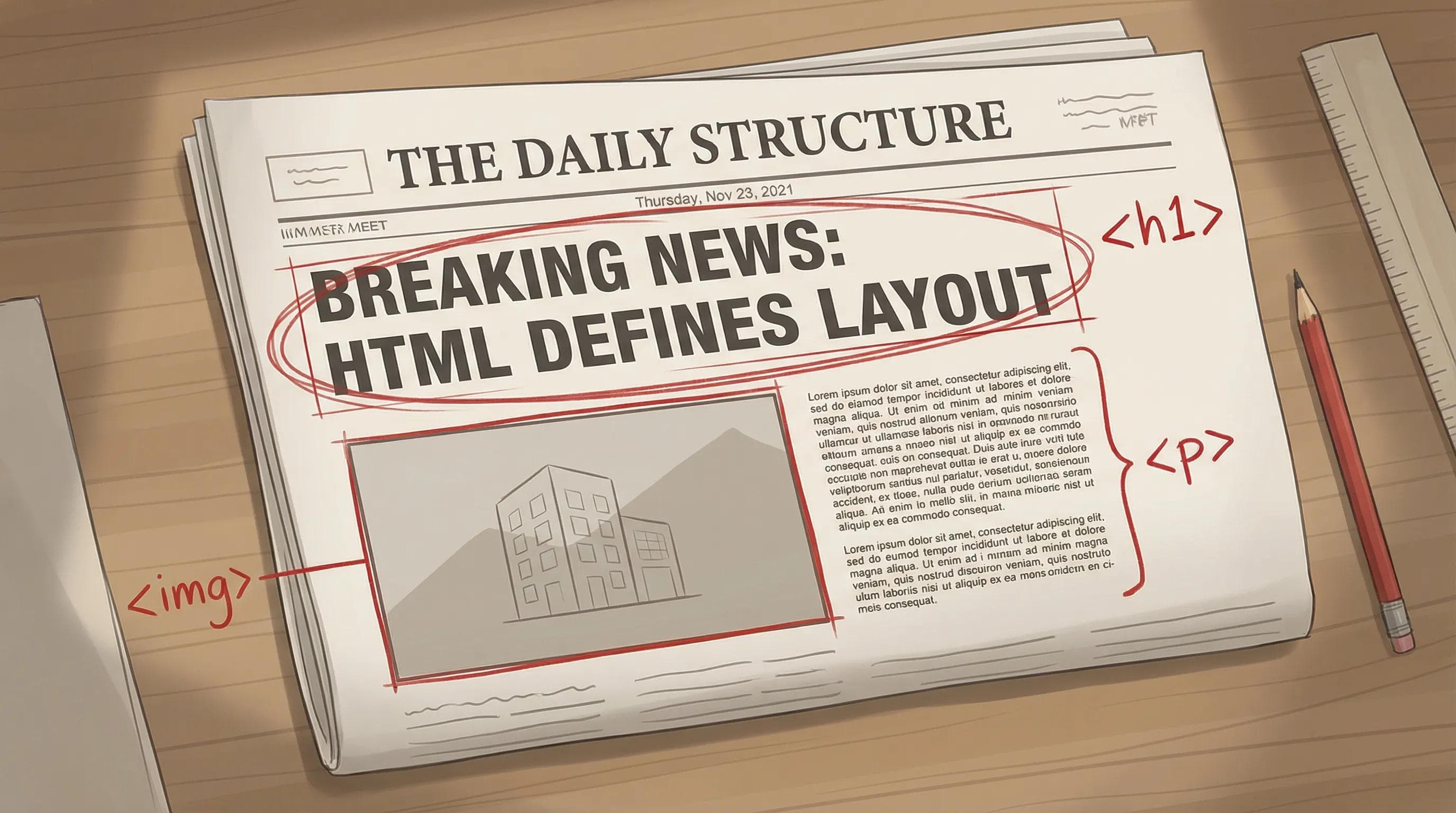
Think of HTML like the layout editor of a newspaper. The editor doesn't write the news stories; they simply decide where the headlines go, where the photos are placed, and where the body text belongs and HTML does exactly this for the web browser.
The Structure of a Website: HTML vs. CSS vs. JS
In web development, you will rarely see HTML working alone. It is almost always accompanied by some other technologies especially these two - CSS and JavaScript. Let's understand the Structure (Anatomy) of a website and how they fit together, so to make it easy imagine it as a human body.
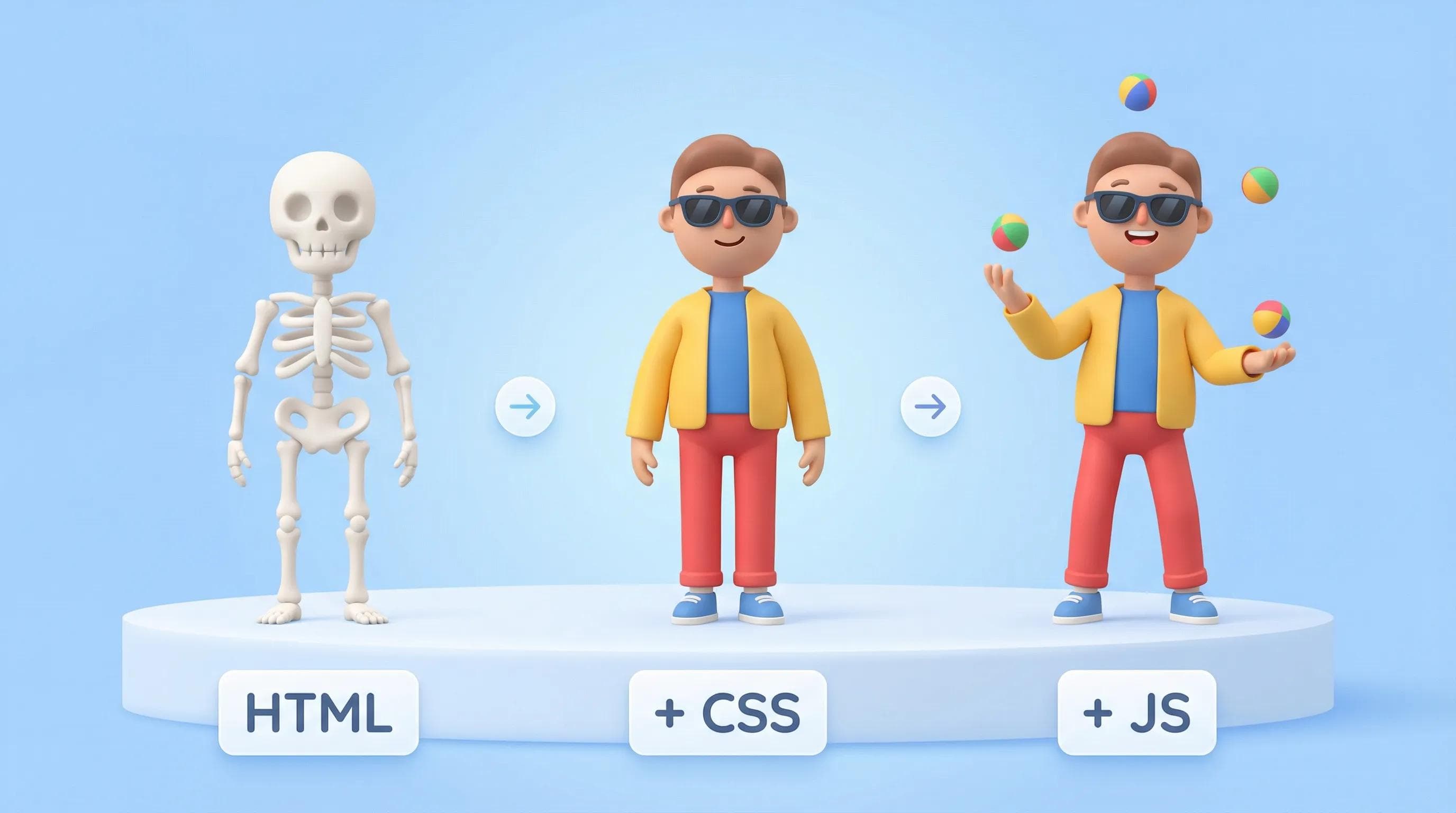
- HTML (The Skeleton) : Without a skeleton, a human body would be a shapeless mass. The skeleton provides the essential structure that holds everything together. Similarly, HTML provides the raw structure of a website. It places the elements on the page, but it doesn't make them look pretty or interactive; that's where CSS's role comes in ;)
- CSS (The Skin & Clothing) : A skeleton is functional, but it isn't visually appealing. CSS
(Cascading Style Sheets)is what gives the website its "look", It handles the skin, the eye color, and the fashion — In short, It tells the browser, "Make the background this specific color, change this font to Arial, Impact or something else, center this image and so much crazy stuff." - JavaScript (The Brain) : A skeleton in a nice suit is still just a statue. It needs a brain to function. JavaScript provides the logic and interactivity. It allows the website to respond to the user — handling animations, pop-ups, form submissions, and data updates and so much more.
Why Learn HTML in the Age of AI?
While entering 2026, a valid question arises: "If I can write code using AI tools such as ChatGPT, Gemini or any other, is it outdated for me to learn the basics?"
The answer is a big "no".
AI is a very powerful technology, but think of it as a super-fast construction crew. They can build a house in minutes, but they tend to get things wrong sometimes. They might install a window where a door is supposed to be or may forget about plumbing entirely.
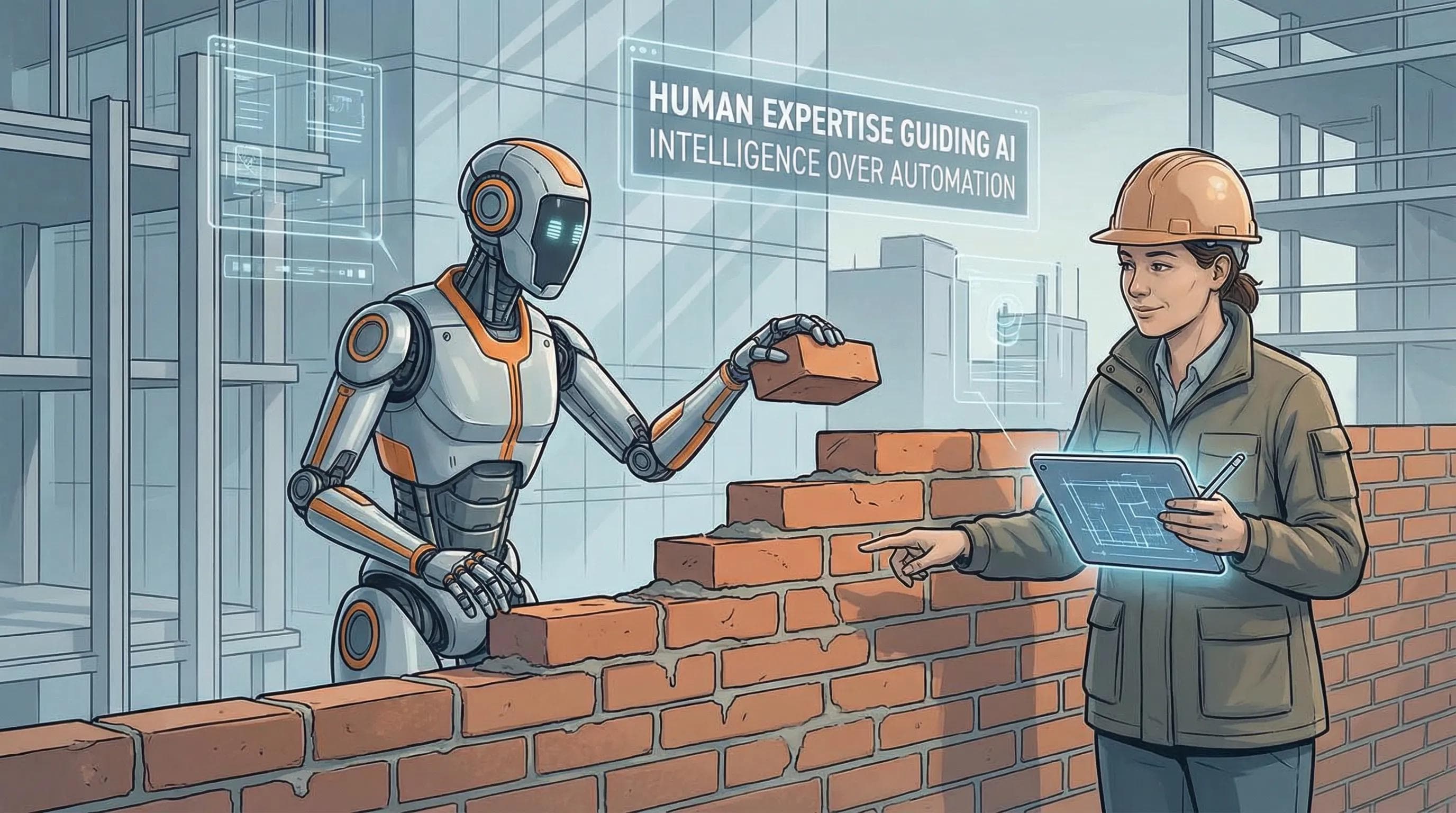
If you are 100% dependent on the AI without knowing the basics, you are not a developer, but a passenger. When the AI writes broken code
(and it will), you will be unable to do anything about it.To be a great developer in this AI era, you must be the Architect. You allow the AI to handle the heavy work, but you need to be familiar enough with the blueprints (HTML or other coding language) to fix what the AI gets wrong and guide the project.
Conclusion
If you have read this far, you have already overcome biggest hurdle in getting started with leaning code : The Fear.
You have learned that the Web is made possible not by some incredible magic, but by a very simple way that browsers communicate with servers, and that there is a "code" to create pages from a Web browser (i.e., the same way as creating a Newspaper page). In our next blog post, we will begin the practical application of what we have learned and set up a development environment and create your first line of program code.
Stay Tuned!
You can Read next part from here - READ NOW!
HTML Series: Your First Step in Modern Web Development (2026)
Step 1 of 22