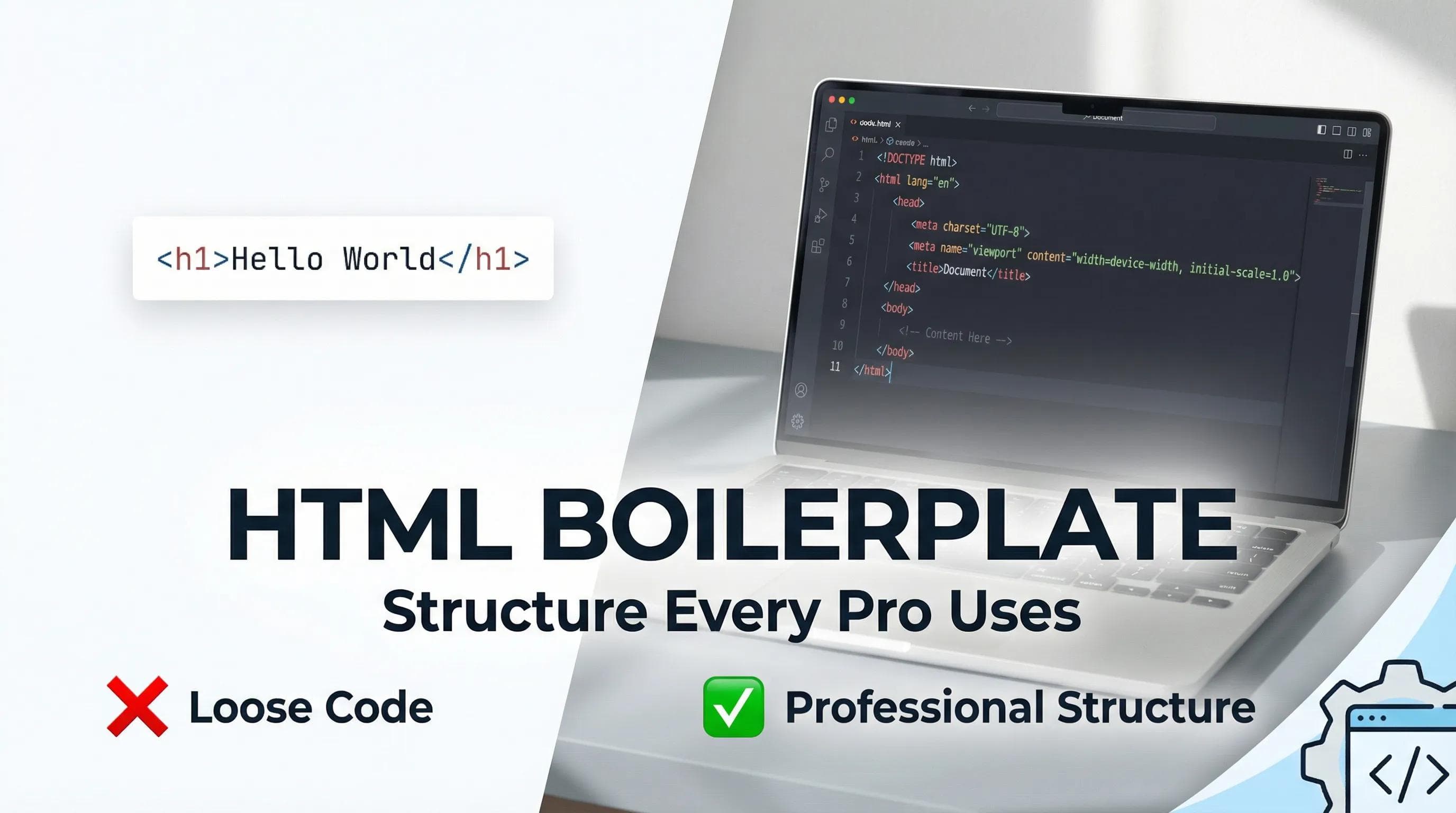
"Hello World" Was Just a Warm-Up
In the previous blog,
we wrote
we wrote
<h1>Hello World</h1> and ran it in the browser and it worked, but if I am being honest? That code was "naked." In the real world, websites aren't built floating in empty space, just like you cannot build a house without a foundation and pillars, every HTML page requires a standard structure known as the "Boilerplate".
Today, We will decode this boilerplate structure so that you can move beyond being a "copy/paste coder" and begin to think like a "professional developer."
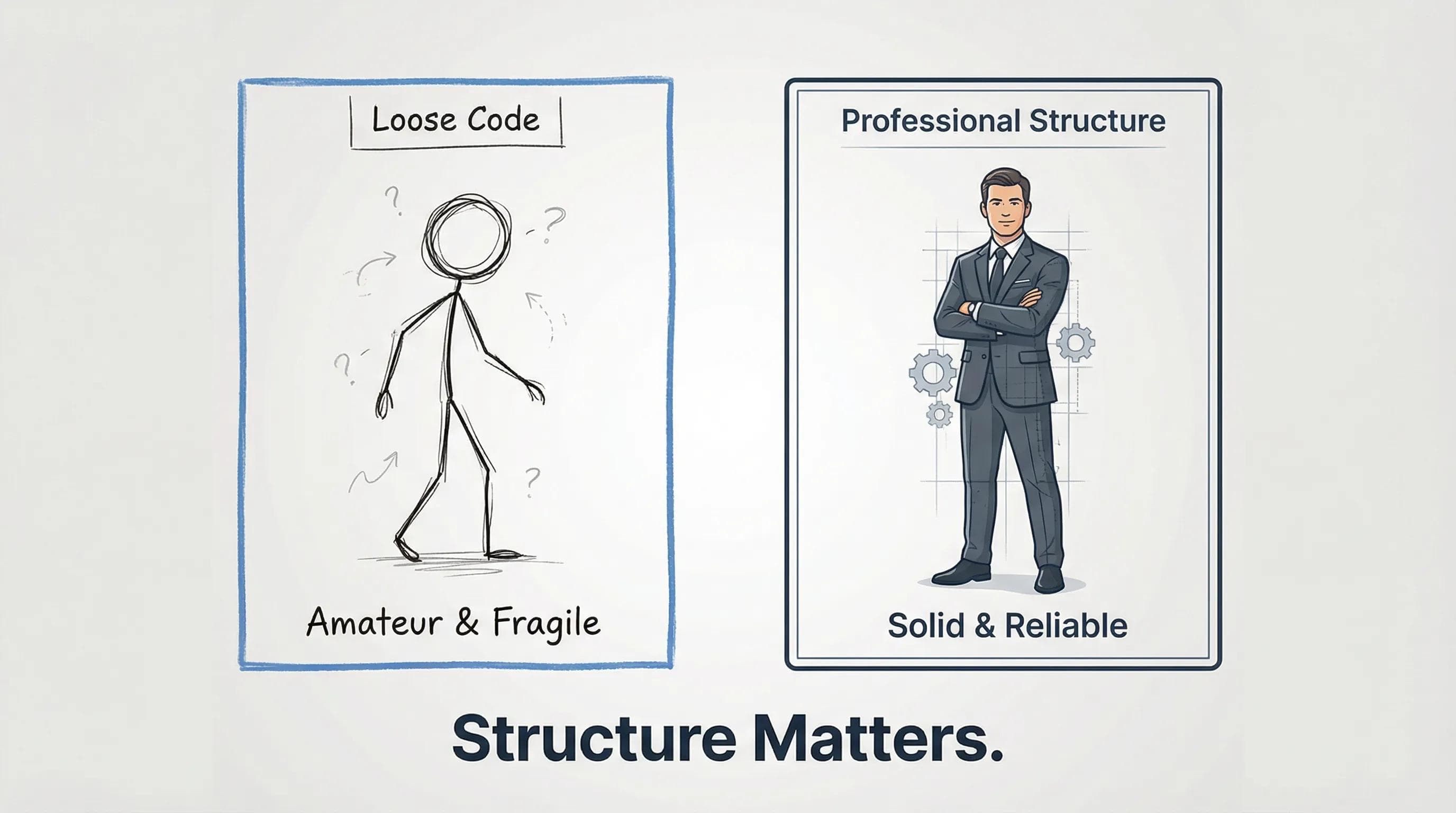
The Magic Shortcut (! + Tab)
Professional developers rarely type the entire structure manually. We are lazy, but we are smart.
Let’s look at a VS Code magic trick:
- Open your
index.htmlfile you created in last part (delete the old "Hello World" code). - Type just a single Exclamation mark
!. - Hit the Enter or Tab key.
And suddenly you’ll see, about 11-12 lines of code appear automatically. This feature is called Emmet.
index.html
<!DOCTYPE html>
<html lang="en">
<head>
    <meta charset="UTF-8">
    <meta name="viewport" content="width=device-width, initial-scale=1.0">
    <title>Document</title>
</head>
<body>

</body>
</html>
Now your current
index.html will look like this above Snippet. This code might look complex, but it is actually very simple. Let’s break it down line by line for easy understanding.— Line-by-Line Breakdown
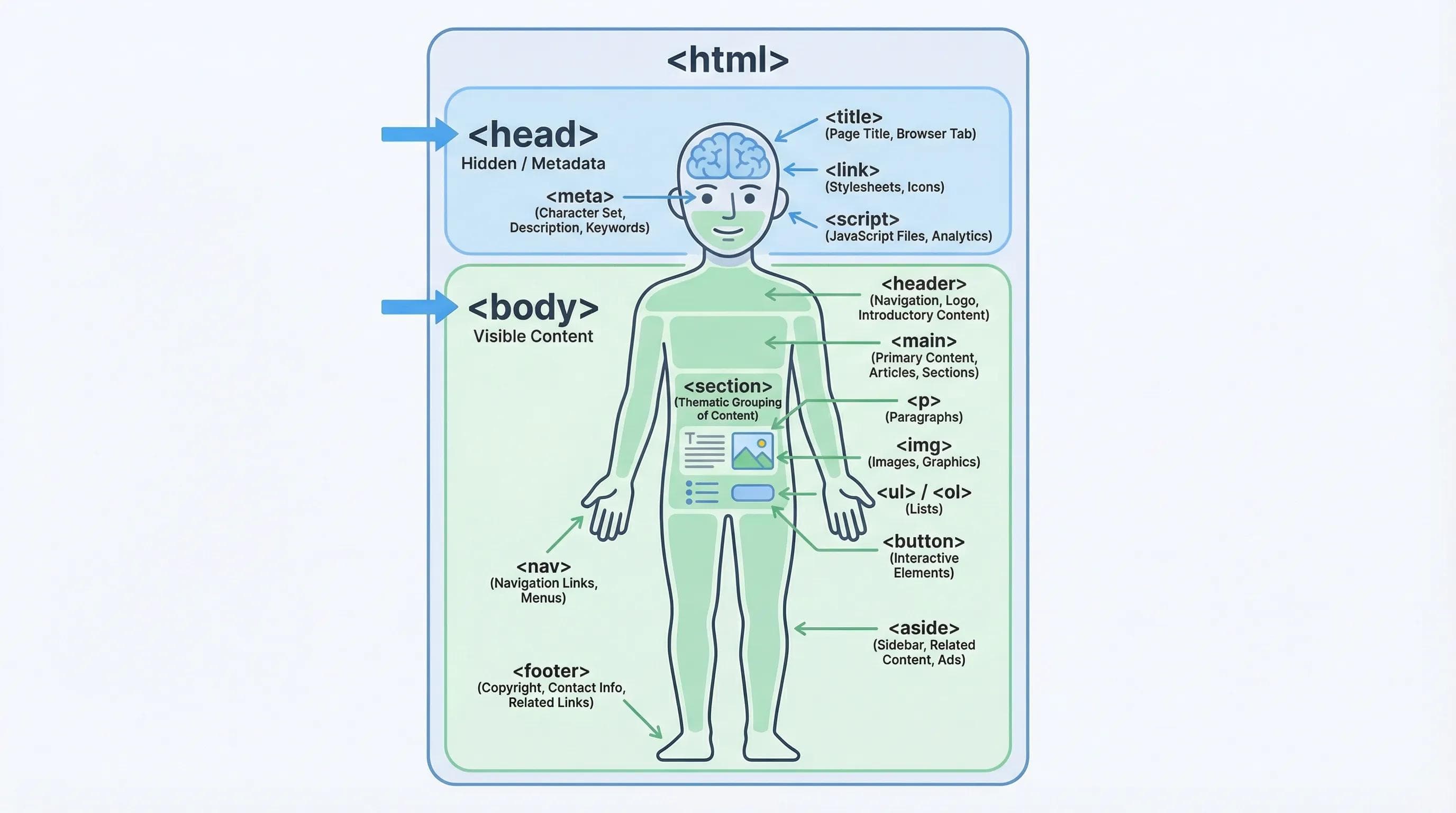
To understand this structure, let's use the Human Body as an analogy.
1.
<!DOCTYPE html> (The ID Card)This first line of the document indicates to the web browser (either Chrome or Edge or any other browser) that the website has been created using the latest version of HTML (HTML5), and not the version of HTML available in 1999, which was known as "messy". Without this tag, the web browser may interpret your document incorrectly and render your website incorrectly.
2.
<html> (The Root / The Box)This is the largest container. Everything else (head, body) lives inside this tags. It is the "Root" of your website.
lang="en"simply tells search engines that this website is in English.
3.
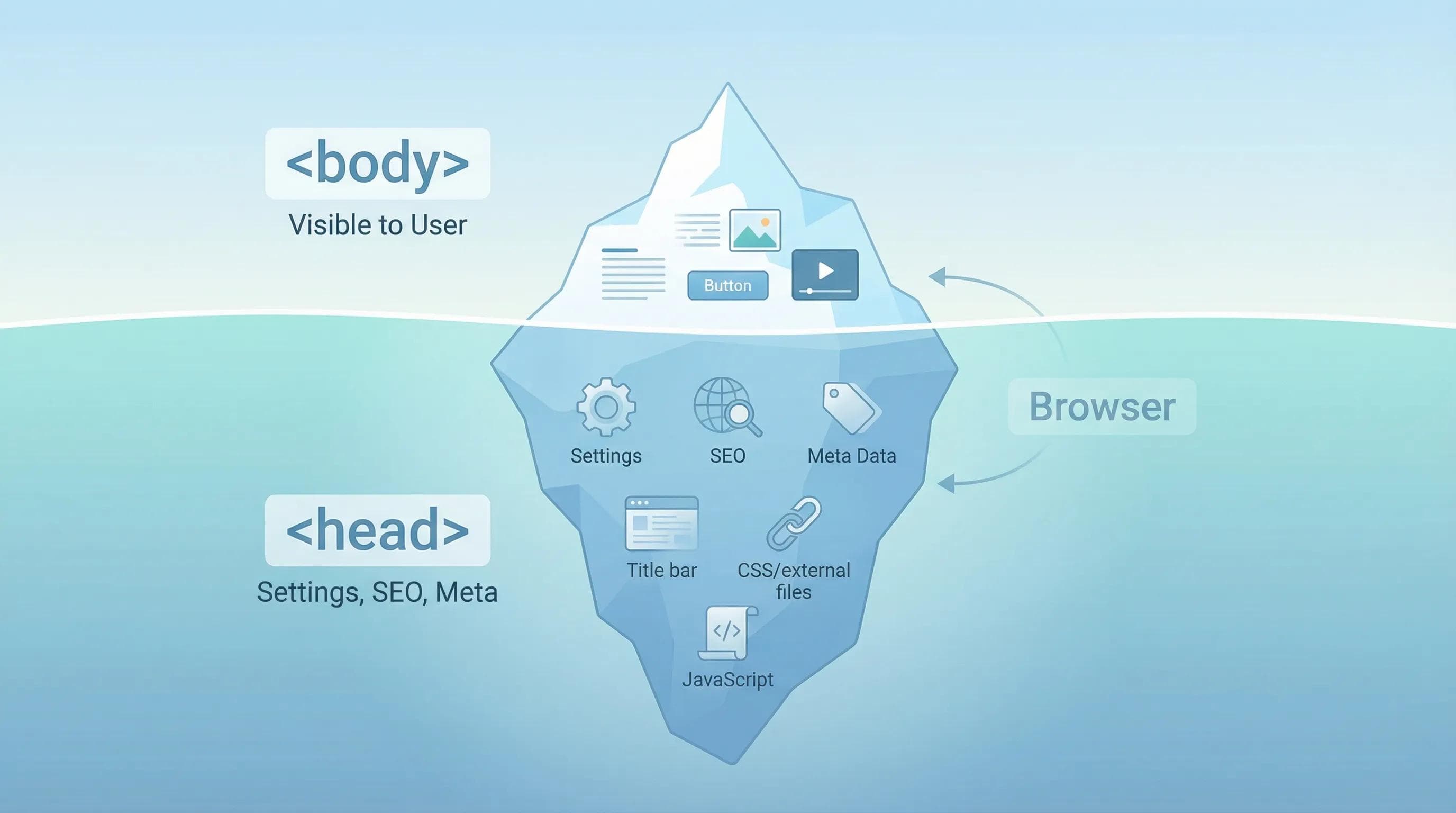
<head> (The Invisible Brain)This part is crucial, but the user never sees it on the page.
- Role: It holds instructions and settings for the browser.
- What goes inside?
- SEO settings (How Google sees your site).
- Links to CSS files (For design/style).
<title>: The name that appears on the Browser Tab.
Rule of Thumb!
If you don't want the user to see it directly on the page, it belongs in the <head>.
4.
<body> (The Visible Body)This is the area where you will do 99% of your work.
- Role: This section is the only place in which you can put anything you want the user to actually see on their browser (Images, Text, Buttons, Videos or other content) and everything must be inside the
<body>tags. - If you put anything like image or text content inside the
<head>, it won't show up (or it will break your code).
The AI Angle: Trust but Verify
You might be thinking: "If VS Code can this for me, or if AI can generate it, why do I need to learn it?"
Because AI will often give you a "Code Snippet," like a Button, a Form or anything else. But, AI won’t always tell you whether to put it in the <body> or the <head> tag and if you take a specific code eg. Button code and paste it into the <head> (The Brain), that button will never be clickable.
Mini Task: Customize Your Skeleton
Let’s make this boilerplate your own.
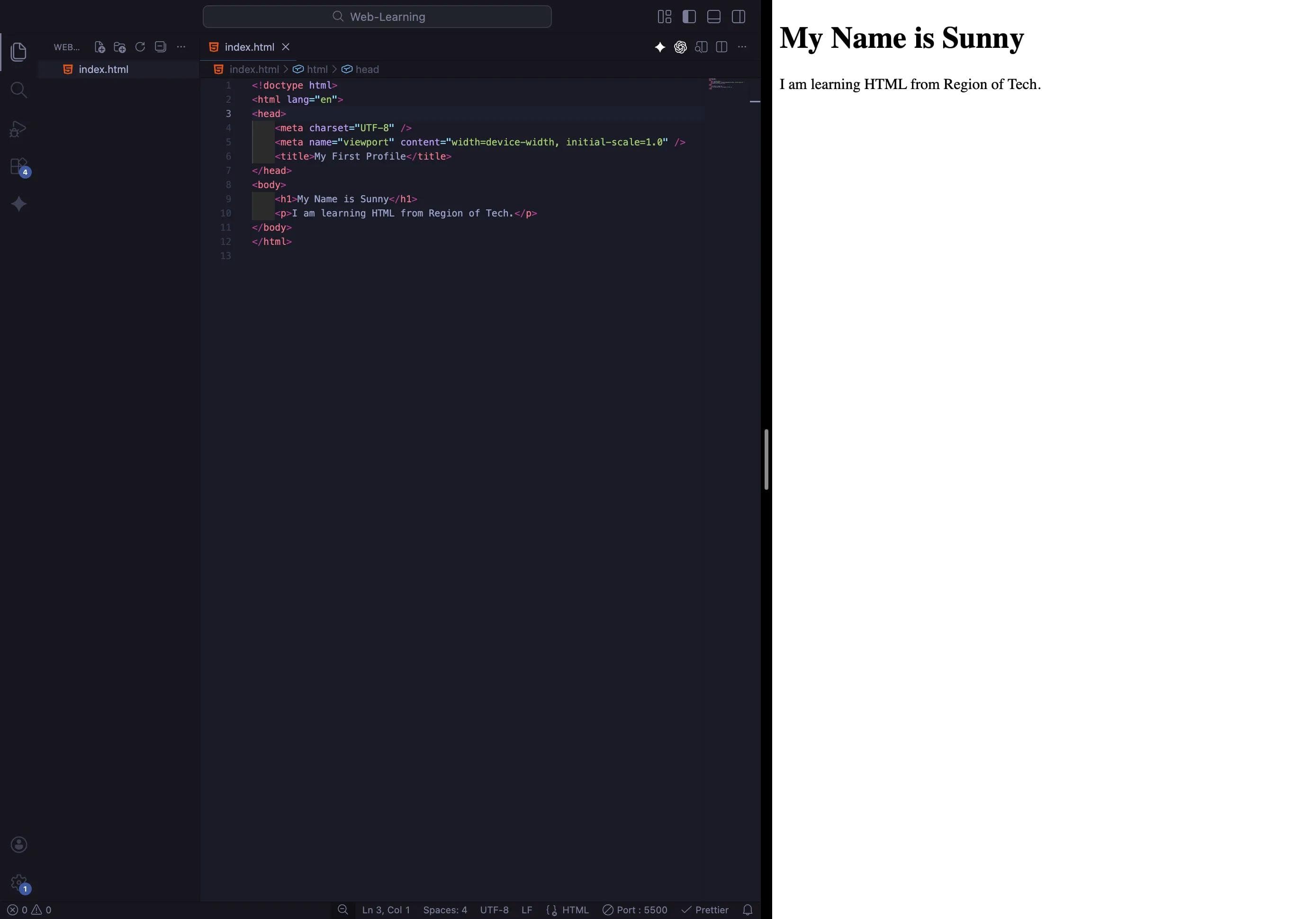
1. Change the Title: Inside the
<head>, find <title>Document</title> and change it to <title>My First Profile</title>. (Now, look at your Browser Tab. The name has changed!)2. Bring the Body to Life: Go inside the
<body> tags and write:index.html
<h1>My Name is [Your Name]</h1>
<p>I am learning HTML from Region of Tech.</p>
3. Save & Check: Save the file and look at it with Live Server.
Conclusion
Congratulations! You now have a professional setup. You have stopped guessing and started understanding the Logic behind the code.
Now our skeleton is ready. But a skeleton is not enough. We need to add muscles and skin—Headings, Paragraphs, Bold text, and Italics—and we need to do it correctly so Google loves our site.
In the next blog, we will learn Text : Headings & Paragraphs and we will build our very first "About Me" page.
See you in the next post!
You can Read next part from here - READ NOW!
HTML Series: Your First Step in Modern Web Development (2026)
Step 3 of 22