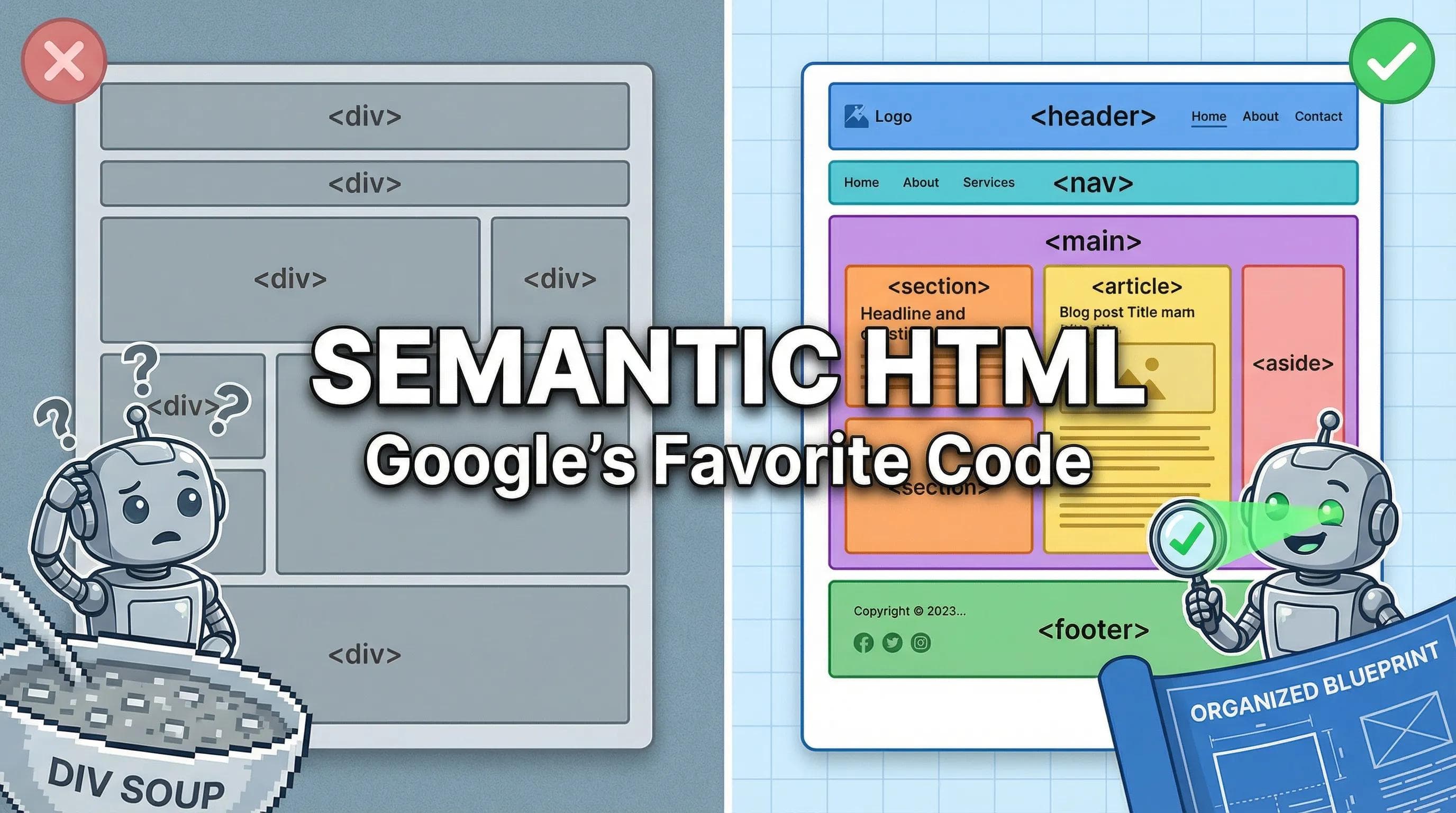
The "Div Soup" Problem
Open your
index.html file right now. What do you see? Probably a lot of this: <div> ... <div> ... <div> ... <div>
This is called "Div Soup." To a web browser (and to Google), a
<div> is just an empty, meaningless box. It’s like labeling every jar in your kitchen "Jar."- Which one has the Sugar?
- Which one has the Salt?
- Which one is the Navigation Menu?
- Which one is the Footer?
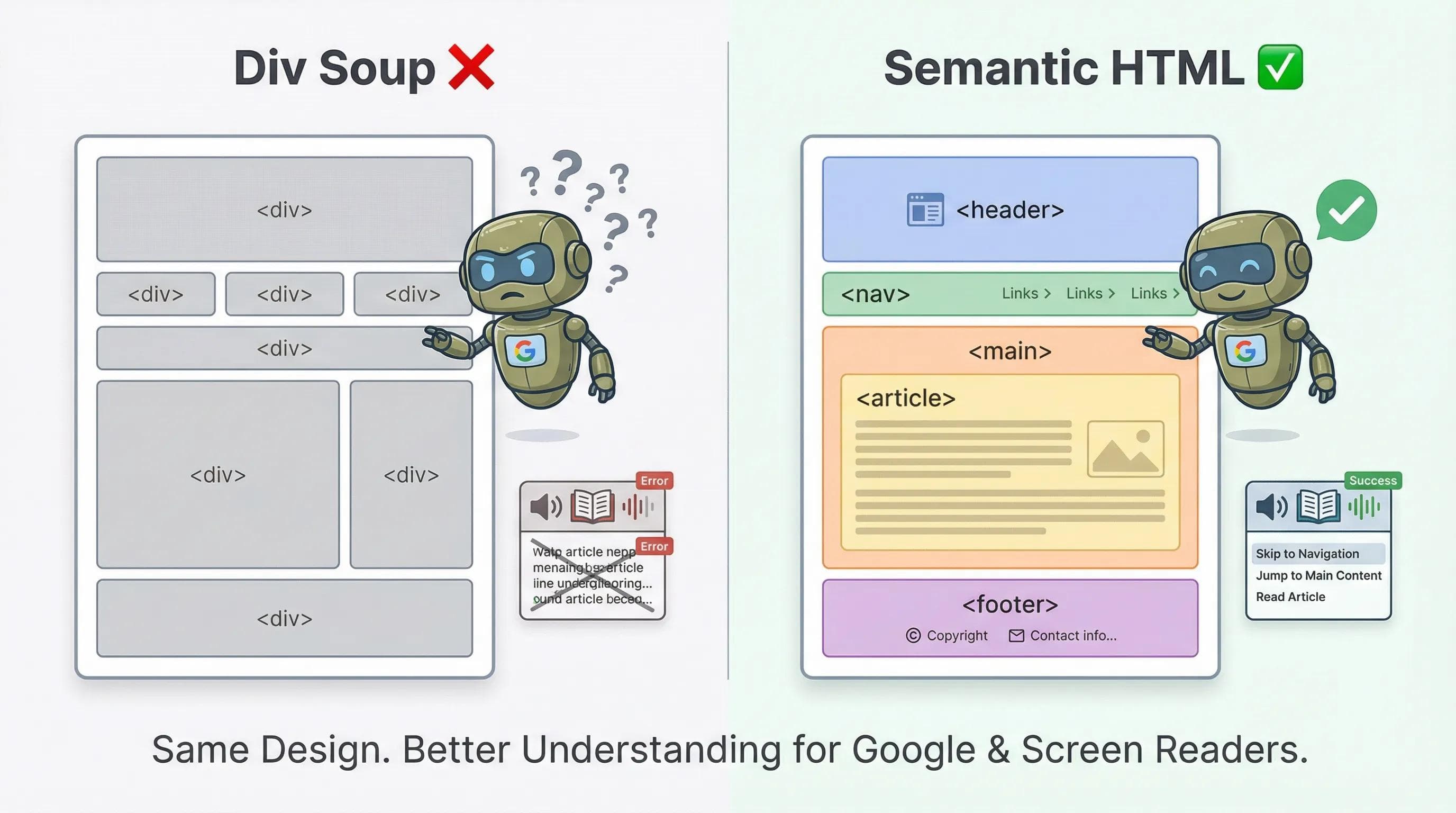
Google's bots are blind. If everything is a
<div>, they get confused. To fix this, we need Semantic HTML.1. What is Semantic HTML?
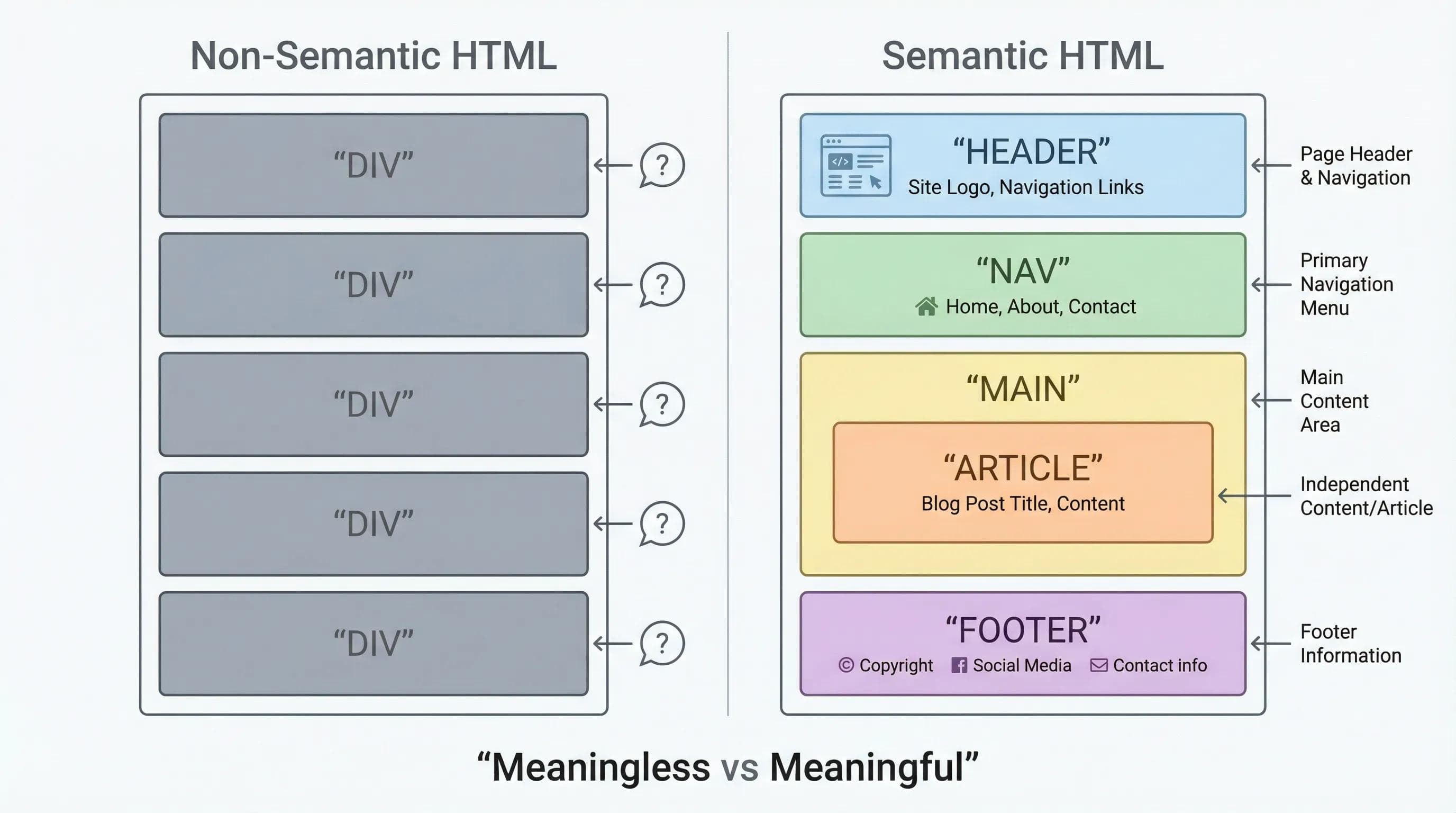
Semantic means "Meaning." Semantic Tags are tags that clearly describe what is inside them.
- Instead of
<div class="header">, we use<header>. - Instead of
<div class="footer">, we use<footer>.
2. The Layout Squad (The New Tags)
Let's meet the team that will replace your generic divs.
<header> (The Intro)
Used for the top part of your site or a section. It usually contains the Logo and the Main Title.
WARNING:
Don't confuse <header> with <head>. 1. <head> = Invisible settings (Metadata). 2. <header> = Visible top banner (Logo/Title).
<nav> (The Map)
Used specifically for Navigation Links (Menus). Google looks here first to find the map of your site.
<main> (The Core)
This is where the unique content lives.
Rule:
There should be only ONE <main> tag per page. You cannot have two main stories.
<footer> (The Outro)
Used for copyright info, social links, and contact details at the bottom.
3. The Big Confusion: <article> vs. <section>
This is the Interview Question for Junior Developers.
<section> (The Chapter)
Use this to group related content.
- Example: An "About Us" section.
- Example: A "Contact" section.
<article> (The Newspaper)
Use this for Independent Content.
- Ask yourself: "If I cut this piece of content out and pasted it on another website, would it still make sense?"
- If YES (like a Blog Post, a News Card, or a Product Review) → Use
<article>. - If NO (it relies on the rest of the page) → Use
<section>.
The AI Angle: Be the Architect
AI tools (like ChatGPT) are getting better, but they are often lazy. They might generate nested divs because it's "safe."
Your Job: When AI gives you code, Refactor it.
- Change
<div id="nav">→<nav> - Change
<div class="post">→<article>
AI builds the bricks; You build the house.
Practical Task: The Great Refactor 🛠️
We are not writing new content today. We are cleaning our house. We will rewrite our
index.html using Semantic Tags.Step 1: Open
index.html. Step 2: Replace the generic
<div> tags with specific tags.🛑 STOP! DO NOT JUST DELETE EVERYTHING! Carefully replace the wrapper tags one by one. Do not delete your actual content (text/images). Just change the container names.
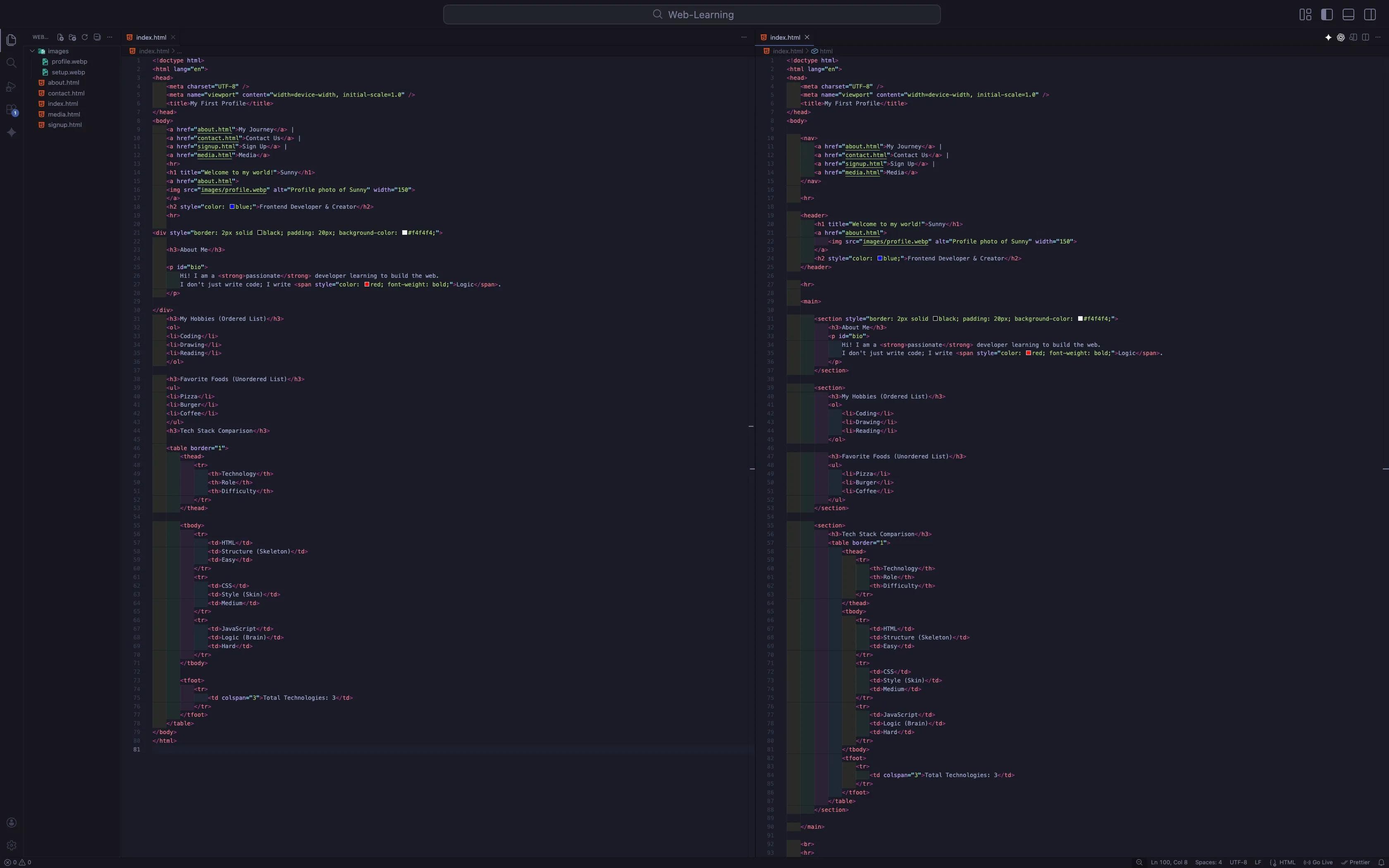
Your New
index.html Structure will look like this:html
<body>

    <nav>
        <a href="about.html">My Journey</a> |
        <a href="contact.html">Contact Us</a> |
        <a href="signup.html">Sign Up</a> |
        <a href="media.html">Media</a>
    </nav>

    <hr>

    <header>
        <h1 title="Welcome to my world!">Sunny</h1>
        <a href="about.html">
            <img src="images/profile.webp" alt="Profile photo of Sunny" width="150">
        </a>
        <h2 style="color: blue;">Frontend Developer & Creator</h2>
    </header>

    <hr>

    <main>

        <section style="border: 2px solid black; padding: 20px; background-color: #f4f4f4;">
            <h3>About Me</h3>
            <p id="bio">
                Hi! I am a <strong>passionate</strong> developer learning to build the web.
                I don't just write code; I write <span style="color: red; font-weight: bold;">Logic</span>.
            </p>
        </section>

        <section>
            <h3>My Hobbies (Ordered List)</h3>
            <ol>
                <li>Coding</li>
                <li>Drawing</li>
                <li>Reading</li>
            </ol>

            <h3>Favorite Foods (Unordered List)</h3>
            <ul>
                <li>Pizza</li>
                <li>Burger</li>
                <li>Coffee</li>
            </ul>
        </section>

        <section>
            <h3>Tech Stack Comparison</h3>
            <table border="1">
                <thead>
                    <tr>
                        <th>Technology</th>
                        <th>Role</th>
                        <th>Difficulty</th>
                    </tr>
                </thead>
                <tbody>
                    <tr>
                        <td>HTML</td>
                        <td>Structure (Skeleton)</td>
                        <td>Easy</td>
                    </tr>
                    <tr>
                        <td>CSS</td>
                        <td>Style (Skin)</td>
                        <td>Medium</td>
                    </tr>
                    <tr>
                        <td>JavaScript</td>
                        <td>Logic (Brain)</td>
                        <td>Hard</td>
                    </tr>
                </tbody>
                <tfoot>
                    <tr>
                        <td colspan="3">Total Technologies: 3</td>
                    </tr>
                </tfoot>
            </table>
        </section>

    </main>

    <br>
    <hr>

    <footer>
        <p>Built with by Sunny | © 2026</p>
    </footer>

</body>
Step 3: Open Live Server.
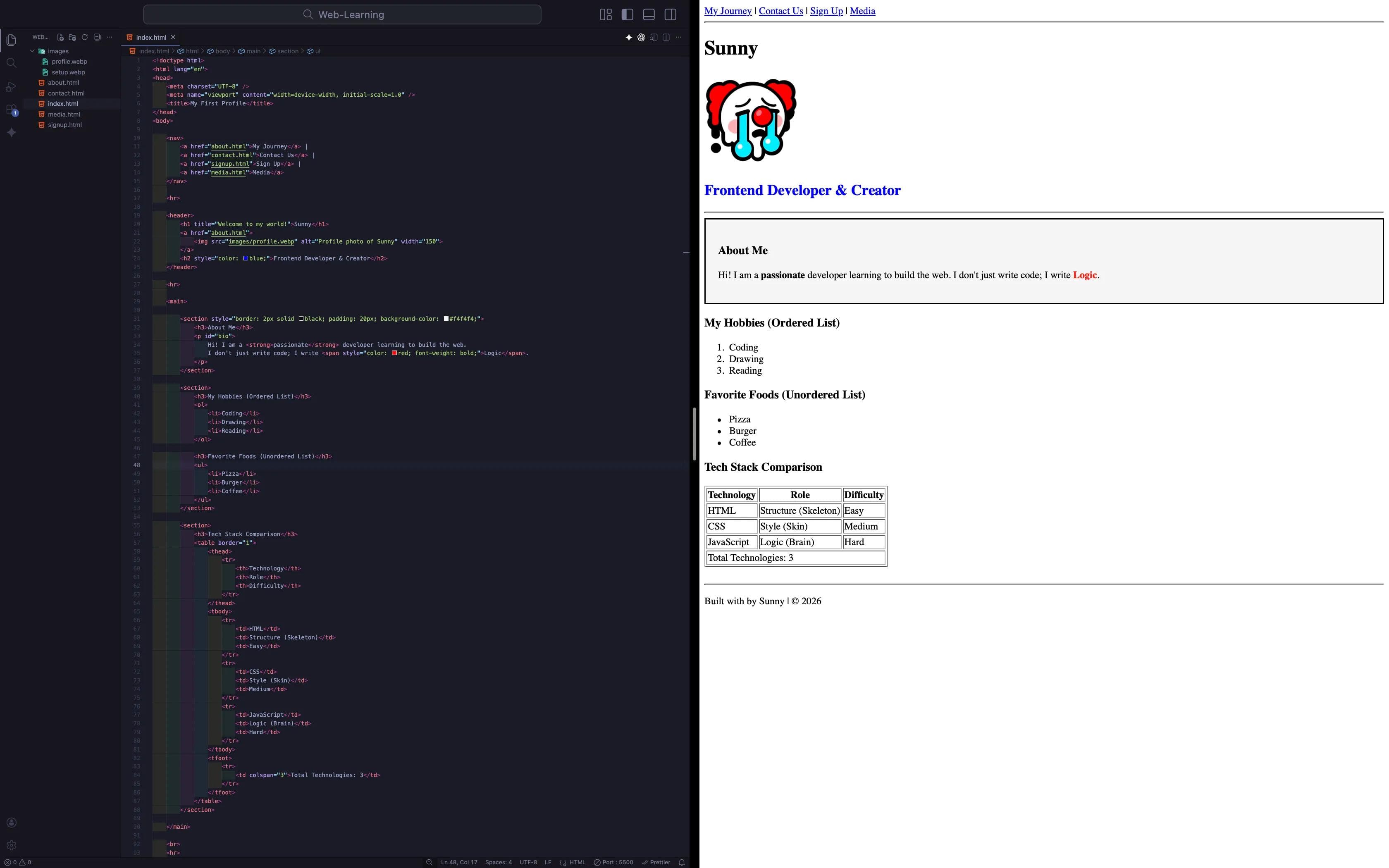
The Magic: It looks... exactly the same. But under the hood, your code is now Professional Grade.
Fix the Rest of the Site
You fixed
index.html, but what about your other pages? If you open media.html or contact.html, they are still "naked" and unstructured.Your Mission:
- Open
about.html,contact.html,media.html, andsignup.html. - Add the
<nav>menu to the top of ALL pages. (Now users can navigate back and forth easily!). - Wrap their content inside
<main>. - Add the
<footer>at the bottom of every page.
A professional website has a consistent layout on every single page.
Summary Table: Semantic Tags
| Tag | Meaning | Best Use Case |
|---|---|---|
| <header> | Introduction | Logo/ Page Title/ Banner |
| <nav> | Navigation | Main Menu links. |
| <main> | Main Content | The unique content of the page (Only 1 per page). |
| <section> | Grouping | About Us/Services/Contact section |
| <article> | Independent | Blog post/ News card/ Comment |
| <footer> | Conclusion | Copyright/ Social Links |
Conclusion
You have moved from being a "Coder" to a "Developer." You care about structure, accessibility, and SEO.
Your website code is now perfect for Google to read. But wait... When Google shows your website in the search results, what Text and Image does it show? When you share your link on WhatsApp or Twitter, why does it look like a boring blue link while other sites show a cool preview card?
To fix this, we need to go into the invisible part of our code: The
<head>.In the next blog, "Meta Tags & SEO," we will learn how to control your website's "First Impression" on Google and Social Media.
See you in the next post!
You can Read next part from here - READ NOW!
HTML Series: Your First Step in Modern Web Development (2026)
Step 16 of 22